Roblox groups are a great way to have a community with players with similar interests.
So, here we will help you deal with the intricacies of joining a group in Roblox where you will connect with like-minded individuals known to participate in thrilling activities and help you unleash your creativity.
Also, read: 20 Roblox Groups You Must Check Out In 2024!
Why Join A Group On Roblox?
There are many reasons to join a group on Roblox, and here are some of those:
- Great way to connect with like-minded people
- Participating in group activities
- Earning group exclusive perks
- Gaining knowledge from experienced players
- It is a great way to contribute to the Roblox community
Overall, joining a group in Roblox is a great way to make the most of your experience and help you connect with other players, participate in fun activities, earn exclusive perks, and learn new things.
How Can I Become A Member Of A Roblox Group?
By following these steps, you will soon be able to unlock the world that awaits you with full opportunities and engage in thrilling and exciting activities that develop connections within the Roblox metaverse.
Visit Roblox Home Page
Once you join a group, you can chat with other members, play games together, and earn exclusive badges and items.
Now, here is how to join a group on Roblox.
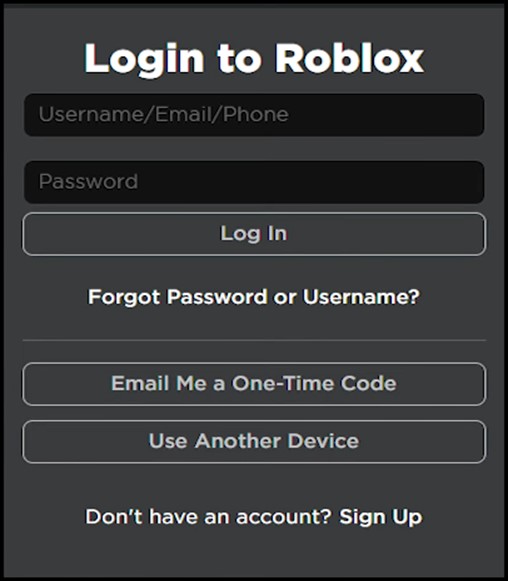
- Visit Roblox.com if you are on the web version, and then sign in to your account or open your Roblox app.
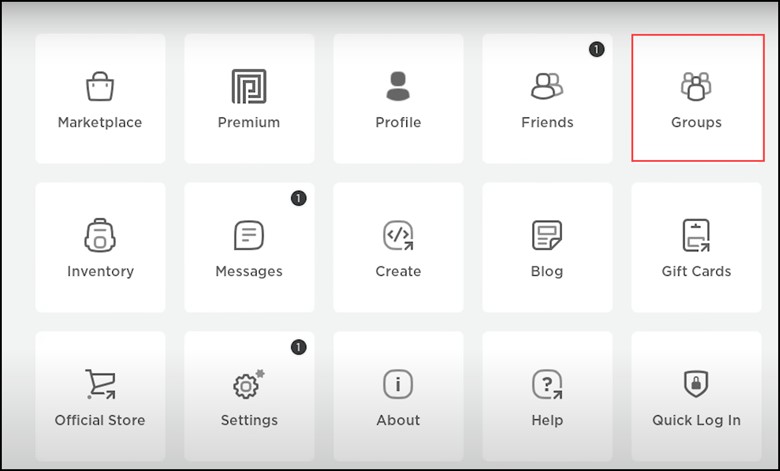
- Go to the Roblox menu from the top left side.
- From the menu, select Groups.
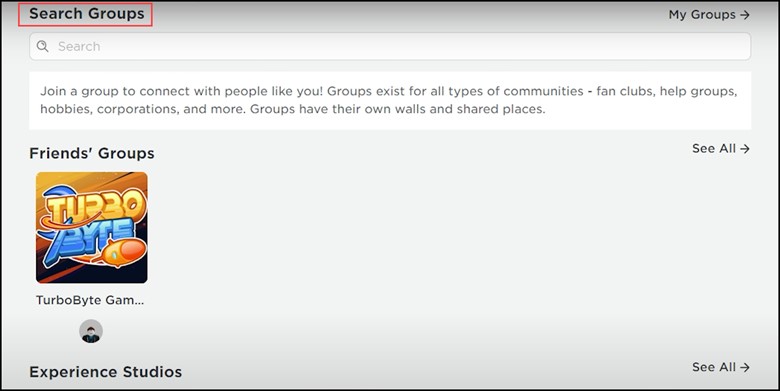
- Doing this will take you to the Roblox group page, where you will find several groups to join.
- Scroll through the list of groups and click on the name of a group you are interested in.
- You can also type in the name of the group you seek in the search bar.
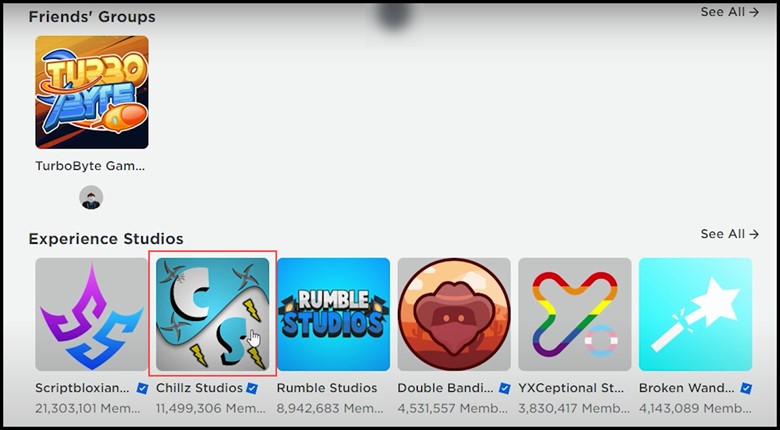
- Then select the group and open it up.
- Next, click on ‘Join Group’. You might have to go through some verification steps.
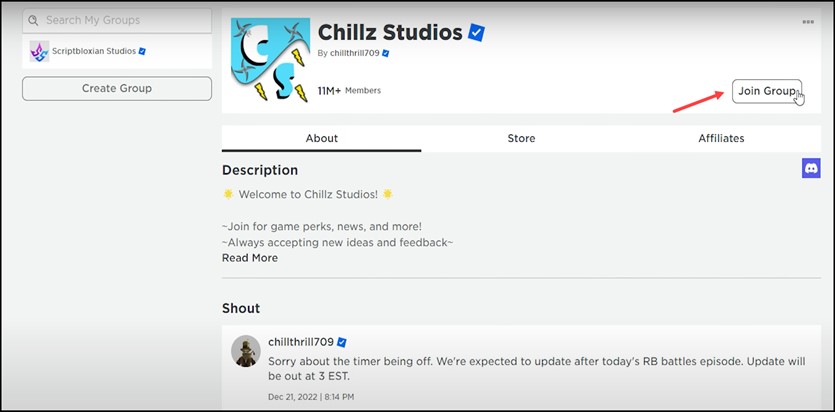
So, follow the onscreen instructions to finish the process.
If that is a public group, you can automatically join the group.
If it is not a public group, you must wait until the group admins accept your request.
Frequently Asked Questions (FAQs)
- How To Find Groups On Roblox?
There are quite a few ways to find groups on Roblox:
- Browse the Groups page on the Roblox website
- Search for groups with the help of the search bar at the top of the Roblox website
- View groups that your friends are in by clicking on their profiles
- Name The Different Types Of Groups In Roblox.
The three different types of groups in Roblox are:
- Public Groups
- Private Groups
- Paid Groups
- What Are The Benefits Of Joining A Group In Roblox?
There are quite a few benefits of joining a group in Roblox and that includes:
- Access to exclusive perks
- Sense of community
- Opportunities to make new friends
Wrap Up
Now that you have ended it, your chosen Roblox group will help you discover like-minded individuals eager to share their experiences and enthusiasm.
Remember, joining a group isn’t only an invitation but a way of embracing a community of shared interests and unlocking the world of limitless possibilities.

